
Product suite overview
A practical map of the product areas we deliver—clinical decision support, diagnostic reading, mobile access, and administrative operations—each designed to interoperate rather than compete for attention in the same department.
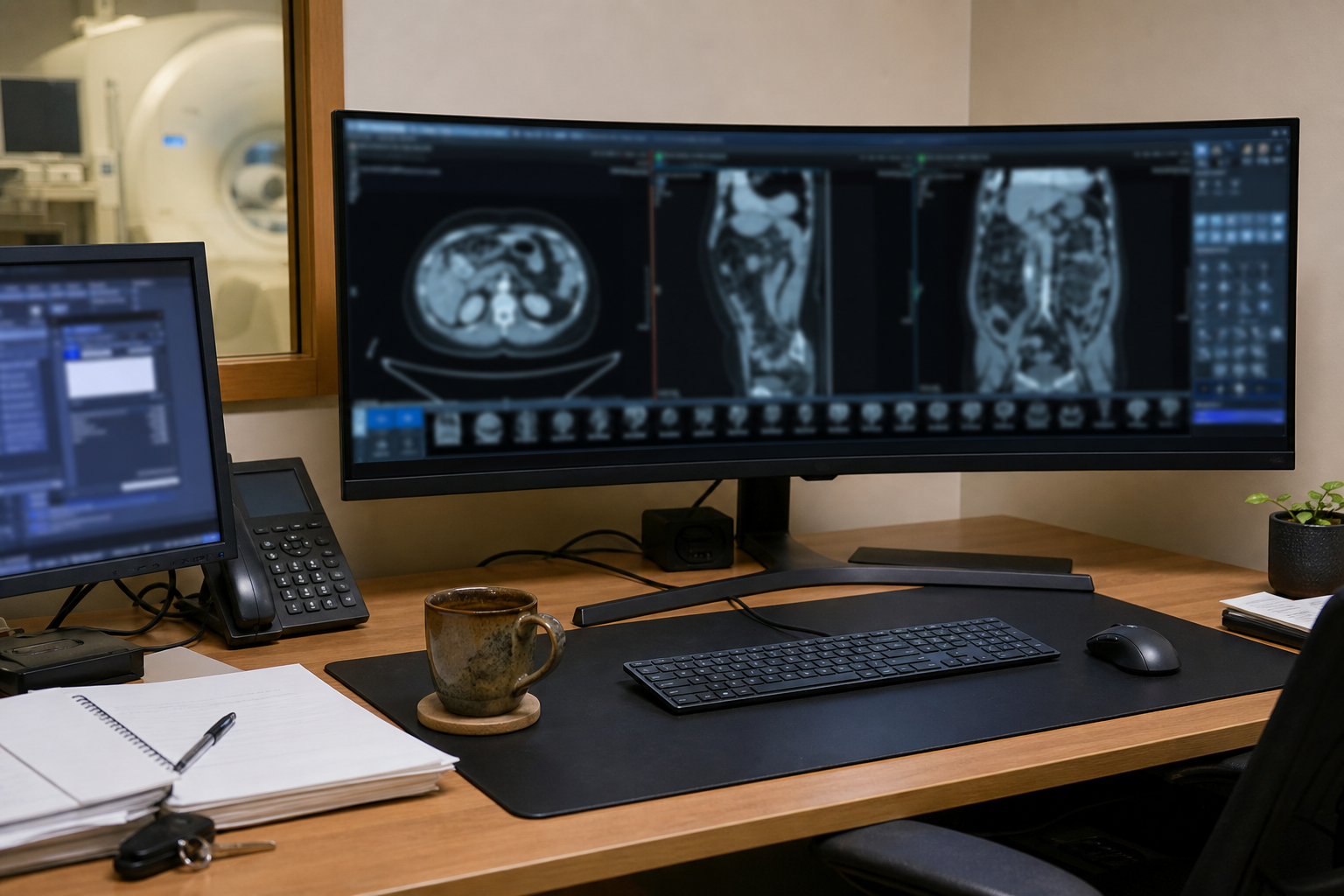
Buyers should evaluate suites on continuity: do permissions, logging, and template governance behave the same across modules, or does each product bring its own admin model and its own surprises during upgrades?
Use the product area pages for deeper context on scope and typical deployment considerations. If your environment is non-standard, start with a discovery conversation rather than forcing a fit from a brochure.
Clinical decision support and longitudinal context
CDS in imaging is tightly coupled to how results, priors, and documentation are assembled on screen. The product area covers presentation discipline, permissions, and template governance so “support” does not become an ungoverned pile of widgets that vary by site.
Radiology viewing, reporting, and workstation parity
Diagnostic reading demands stable ergonomics: hanging protocols, tool placement, voice integration, and predictable behaviour under load. We describe how we think about workstation parity across campuses and how upgrades are staged to avoid silent configuration drift.
Mobile and bedside access as an extension—not a loophole
Mobile modules should inherit trust boundaries from the core environment. The product area outlines session models, elevation patterns, and operational telemetry that help privacy offices sleep while clinicians still move quickly at the bedside.
Administrative and operational tooling
Capacity, backlog, configuration promotion, and integration health are not side quests—they determine whether your imaging service can absorb growth. The administrative product area connects those responsibilities to concrete surfaces and controls.